
Lumber Empire Factory Expansion: Second and Third Floors
Last updated:
Expand your Lumber Empire factory by unlocking the upper floors through rebirth, then buying the production facilities and connections you need.
The Second Floor unlocks at Rebirth 2 and costs $500,000. The Third Floor unlocks at Rebirth 4 and costs $25,000,000. After buying either floor, use its BUY points to build facilities and conveyors. The Third Floor includes Rainbow Wood production and Workshop III, with a connection for sending finished products to trucks.
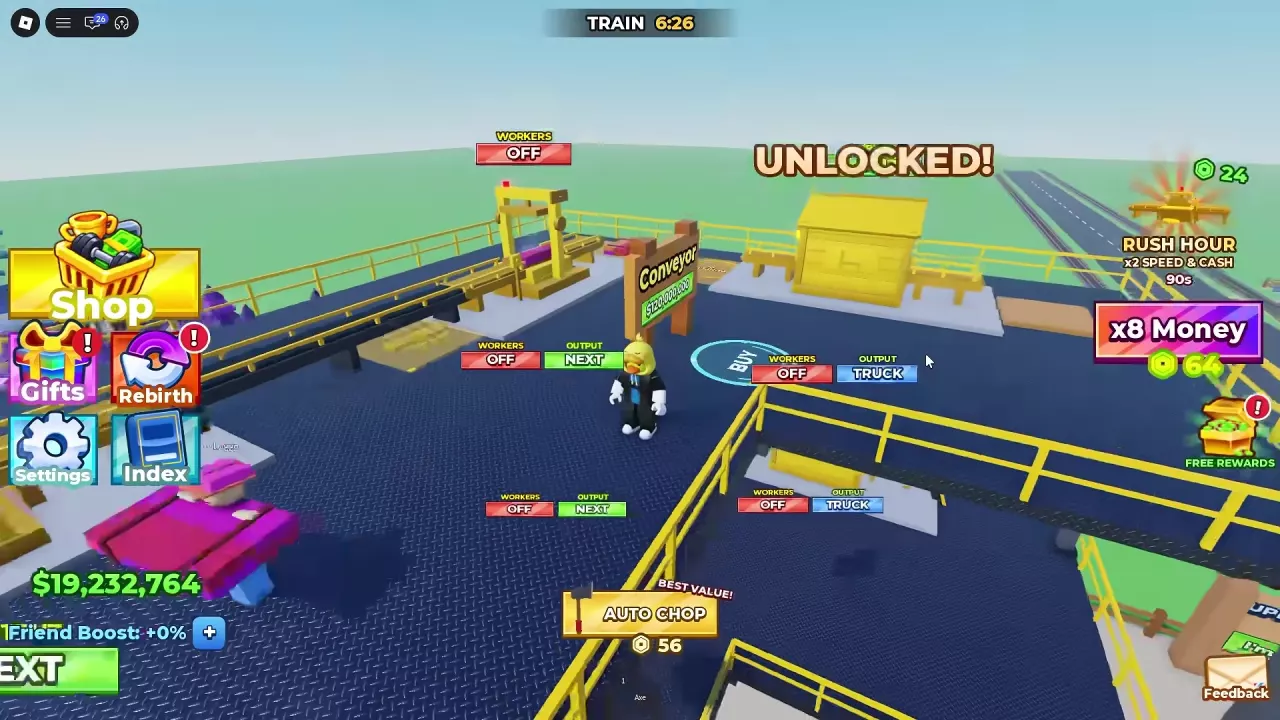
Floor Unlocks and Purchase Prices
| Floor | Rebirth requirement | Floor price |
|---|---|---|
| Second Floor | 2 | $500,000 |
| Third Floor | 4 | $25,000,000 |
Complete the required rebirth, save the floor price, and buy the floor at its purchase point. The rebirth unlocks the purchase; it does not pay for the floor or its production equipment. Budget separately for the facilities and conveyors you want to build.
Ordinary rebirth resets your cash and plot, so plan for rebuilding before expanding. See the rebirth guide for requirements and reset options.
Build Production on the Second Floor
After buying the Second Floor, enter the new processing area and use its BUY points to add equipment and connections. The processing nodes have WORKERS and OUTPUT controls, so check them as you build the line.
The Beds upgrade costs $1,200,000 after the Table Factory upgrade. It is a furniture upgrade, separate from the $500,000 floor purchase. For the Workshop's furniture upgrades and connections, see how to make chairs, tables, and beds.
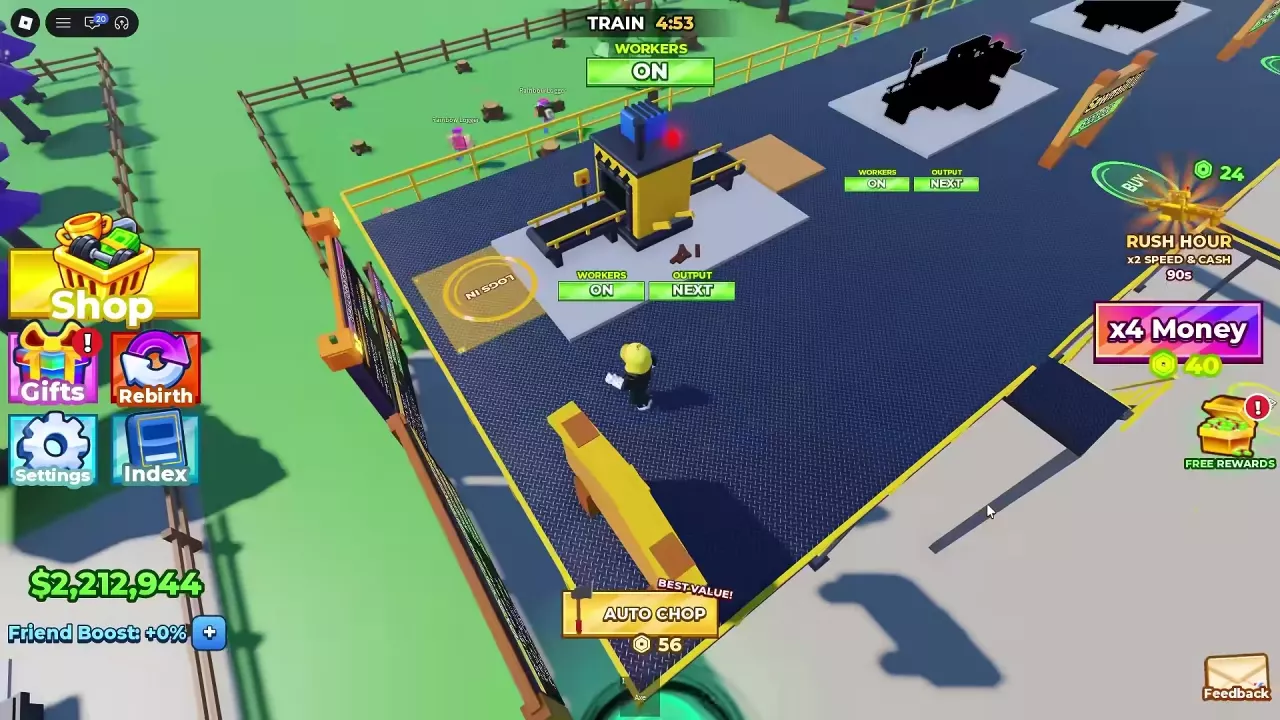
Develop Third-Floor Rainbow Wood Production
The Third Floor's Rainbow Wood sign says it sells for 5x. Build out the floor's processing facilities and conveyors, then unlock Workshop III and connect the production line to truck transport. This setup can produce Rainbow Beds for sale.
The floor purchase is separate from these construction points:
| Construction point | Price |
|---|---|
| A Conveyor on the new Third Floor | $2,500,000 |
| A conveyor associated with an assembly machine | $40,000,000 |
| The Conveyor beside Workshop III | $120,000,000 |
The $120,000,000 sign is for the adjacent Conveyor, not the Workshop III purchase. Set aside cash for the particular connections you intend to build.
Connect Output and Review Worker Handling
- Use the floor's BUY points to build processing facilities and the conveyors between them.
- Set a node's OUTPUT to NEXT when its material should continue to the next connected processing stage.
- Extend the Truck Conveyor to the facility and choose TRUCK when its output should go to the built delivery route. Rainbow Beds can travel along the connected conveyor into trucks.
- Check each node's WORKERS switch and adjust it for the handling your line needs. A conveyor can move material between connected machines, reducing the need for workers to carry it between those stages.
If production stops or material piles up, check the connections and output settings at the affected nodes. The automation guide covers diagnosing the rest of the line.